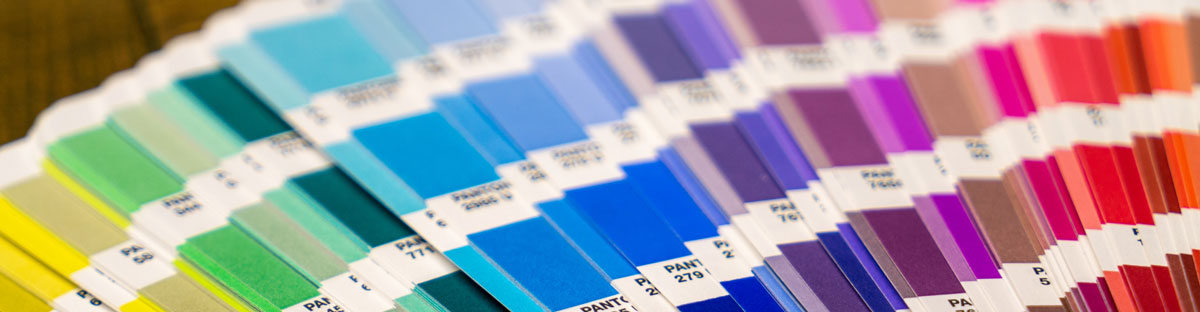
Capturing Design in Ink
With the wealth of printing options, and the abundance of printing companies available, it would seem easier than ever to translate your vision to ink. Right? Whether your marketing projects include corporate identity packages, brochures, presentation folders, annual reports, or the like, the competition is fierce for your printing dollars. How do you choose?
While printers are being swallowed up by large consortiums, and clients are becoming numbers, Norco Printing offers you an alternative in doing business the old fashioned way. Norco Printing is family owned and operated. Taking a hands-on approach to the management, and the daily operations of the company, you’ll find Norco offers a personal touch to business. As a family operated business, Norco never loses sight of the importance of staking their reputation on every project.
With our personal touch, Norco offers experienced, customer-oriented staff to work with you. We utilize state-of-the-art equipment to produce marketing materials that will engage your end user, not just reach them. With a superior work ethic, we perfect our craft daily. The result is exceptional quality, at a fair and affordable price, with the reliability you expect.
Experience the difference in Norco Printing, the boutique printer of the East Bay. We are committed to building customer relationships that last.